You haven't signed in yet, you can have a better experience after signing in
*Please complete the payment within {{receiveCouponInfo.expire_at}}Previous use*
You haven't signed in yet, you can have a better experience after signing in




Activity Rules
1、Activity time:{{ info.groupon.start_at }} ~ {{ info.groupon.end_at }}。
1、Activity time:cease when sold out。
2、Validity period of the Group Buying:{{ info.groupon.expire_days * 24 }} hours。
3、Number of Group Buying:{{ info.groupon.need_count }}x。
Please Pay Attention
1、Teamwork process: Join/initiate a Group Buying and make a successful payment - Within the validity period, the number of team members meets the activity requirements - Group Buying succeeded!
2、If the number of participants cannot be met within the valid period, the group will fail, and the paid amount will be refunded in the original way.
3、The number of people required and the time of the event may vary among different products. Please pay attention to the rules of the event.

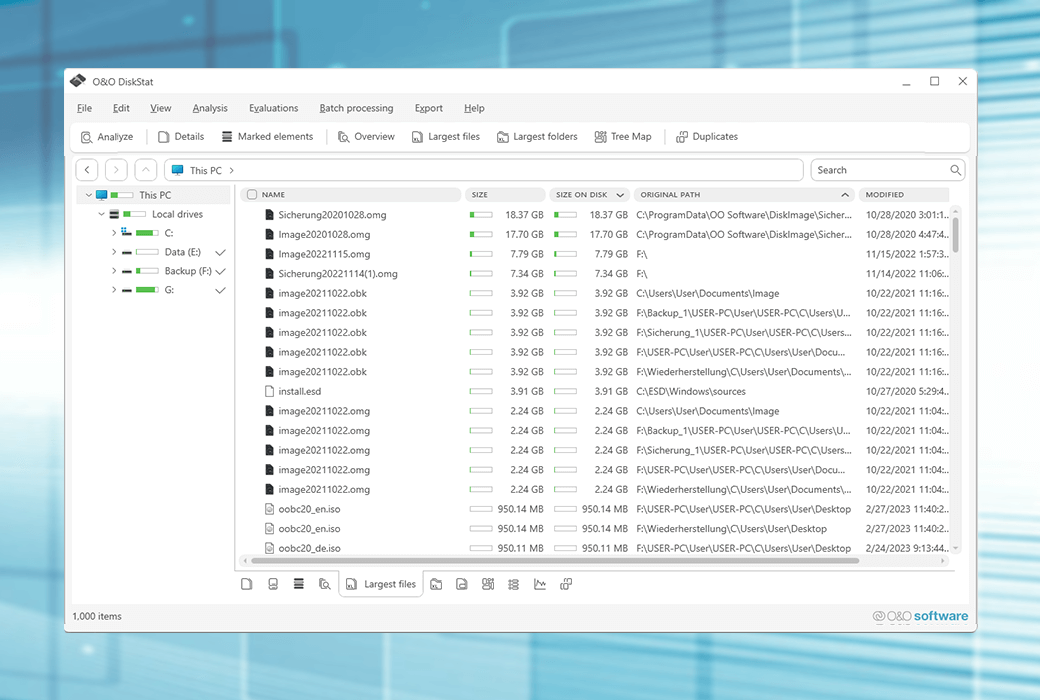
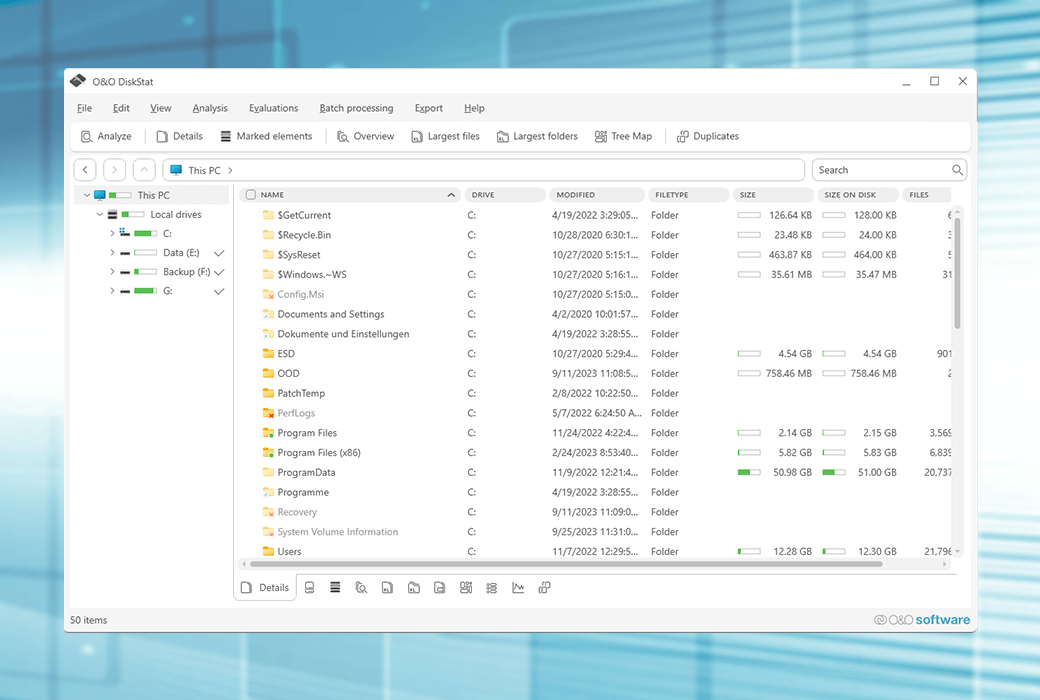
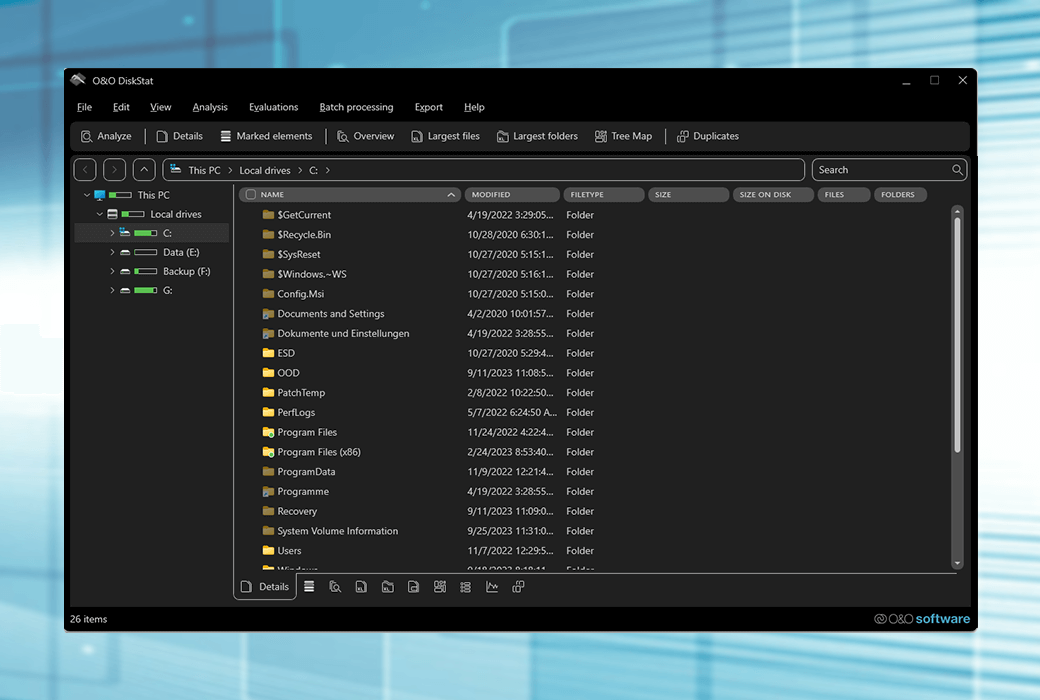
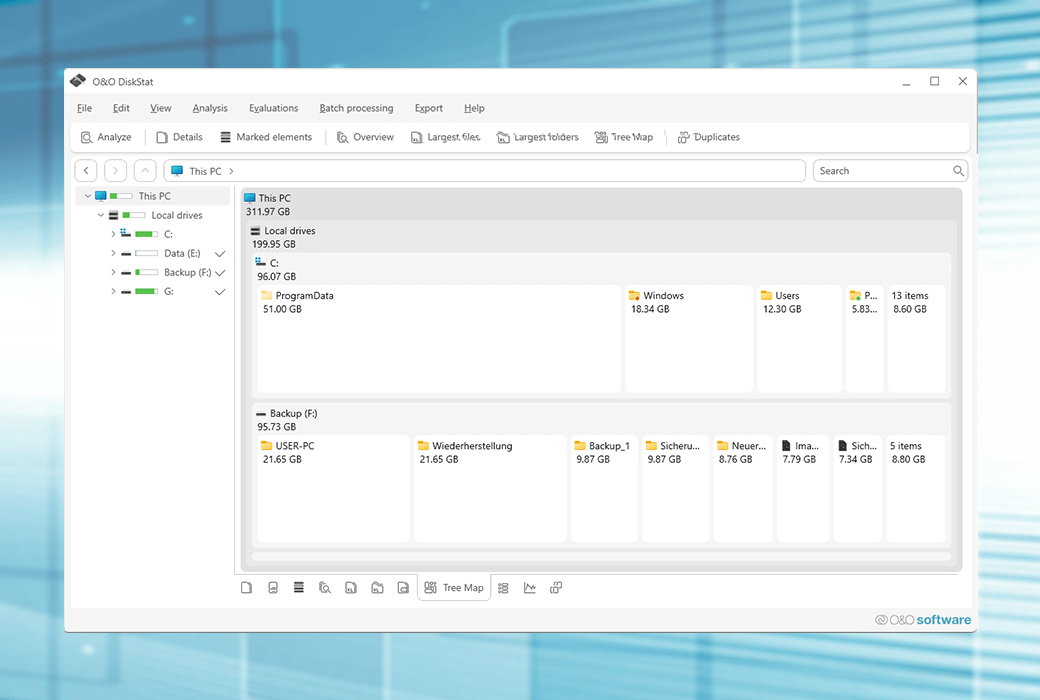
O&O DiskStat 4 让您快速了解硬盘的使用方式。这样可以很容易地搜索占用宝贵硬盘空间并降低计算机速度的文件和文件夹。与 Windows 资源管理器类似,这款多功能工具提供了直观的界面和各种用于搜索内存占用的选项。
对收藏的热情很有趣。收集不再需要的文件会占用存储空间,最终会花费金钱 - 如果您需要购买新硬盘。我们为您开发了 O&O DiskStat,因此寻找和清理空间浪费者不会成为一项耗时的折磨。
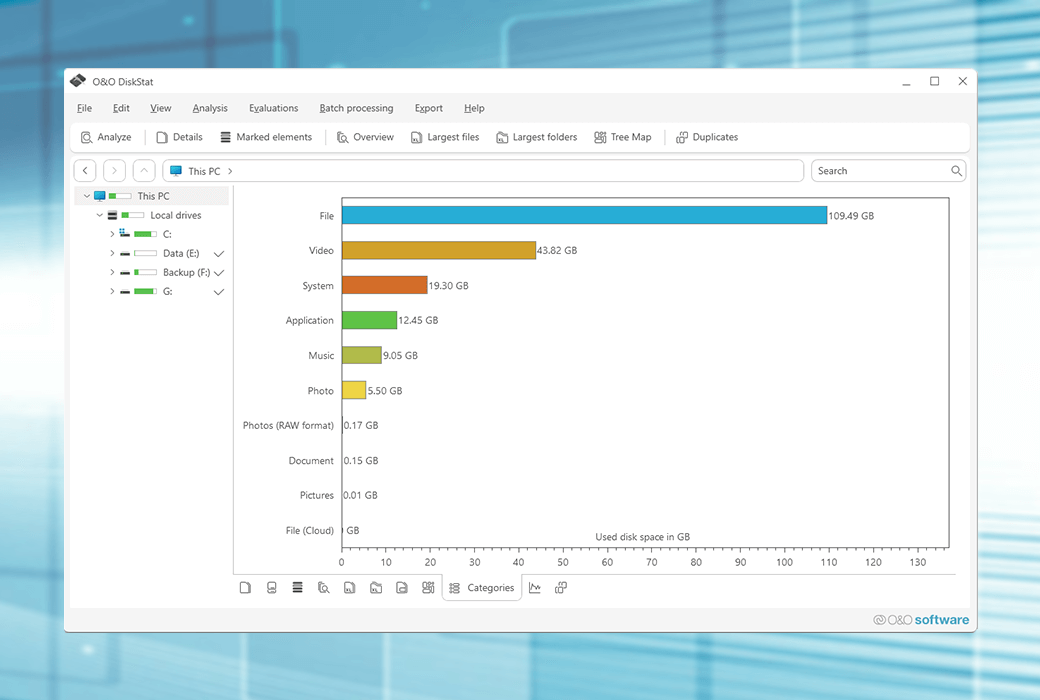
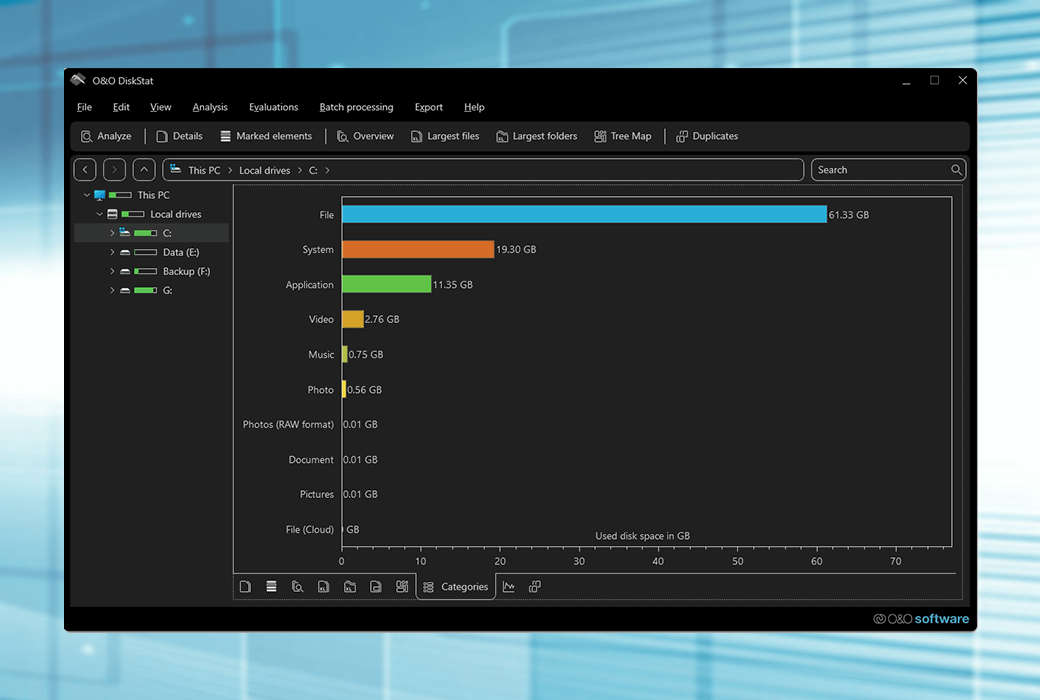
一旦您清除了多余的行李,您会惊讶于您获得了多少空间。O&O DiskStat 在清晰的列表和图表中显示哪些文件占用了多少空间。无论是在网络中还是在家用 PC 上。一旦确定了多余的文件和最大的空间浪费者,您就可以快速轻松地消除它们。通过这种方式,您可以跟踪您的数据并节省额外存储介质的费用。
文件和目录的批处理
O&O DiskStat 4 为您提供了一种方便的方式,可以跨目录和驱动器边界记录多个文件和目录,并在一次运行中移动、复制或删除它们。这些进程也可以被记录下来。进程不间断运行的另一个选项是处理现有文件并在发生错误时进行交互。
功能
系统要求
官方网站:https://www.oo-software.com/en/oodiskstat
下载中心:https://oo-diskstat.apsgo.cn
备用下载:N/A
发货时间:人工在线处理
运行平台:Windows
界面语言:支持英文和德文界面显示。
更新说明:支持小版本升级更新。比如:v4.x
买前试用:购前可免费试用。
如何收货:购买后,激活信息会以邮件的形式发送到下单时的邮箱,同时可在个人中心,我的订单中查看对应的产品激活码。
设备数量:可安装 1/5 台电脑,具体根据购买的许可证而定。
更换电脑:原电脑卸载,新电脑激活。
激活引导:待添加。
特殊说明:待添加。

Any question